Siraat blocks ads, trackers and inappropriate websites from the moment you install it. Prayer times greet you on every new tab. Parental controls actually hold. And nothing about you ever leaves your computer.
Free · Windows 10 and 11 (64-bit) · Version 157.0.8103.3803
New tab
No account
No tracking or analytics
Filters on from day one
Automatic, signed updates
Why Siraat
Everything a family browser should do, built in.
No add-ons to find, no settings to get right. Install it and your family is protected.
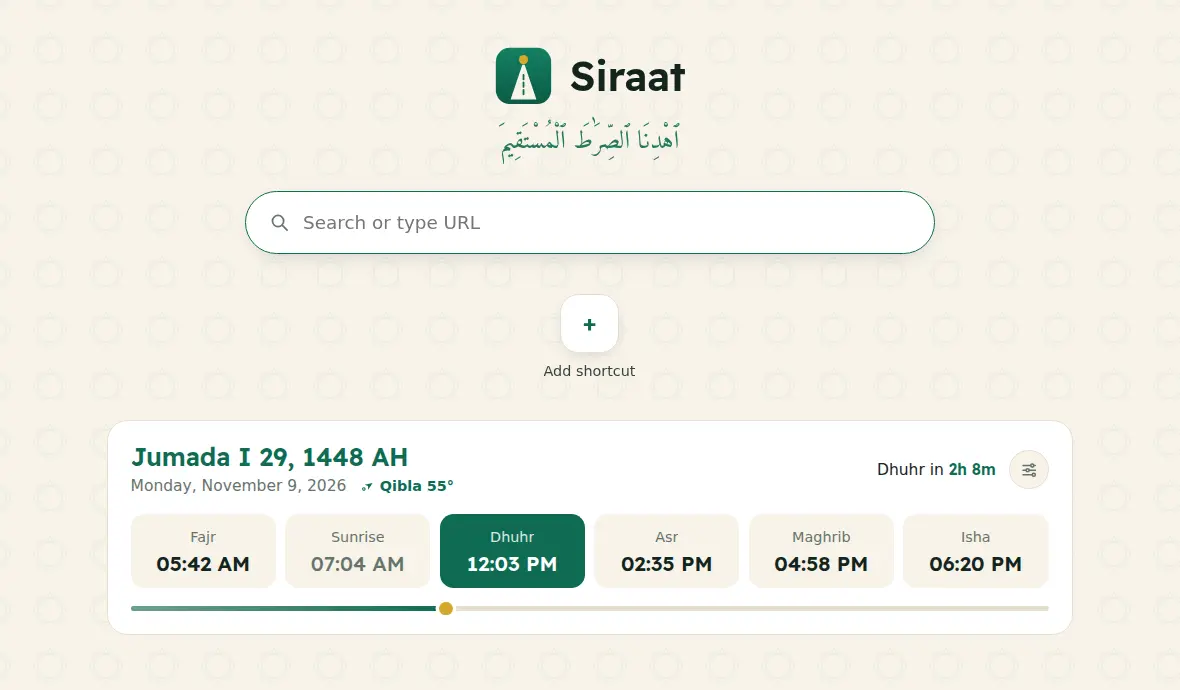
Prayer times on every new tab
Today's Hijri date, the six prayer times and a countdown to the next one, for your city. 13 calculation methods (Umm al-Qura, ISNA, Karachi, Diyanet, Shia Ithna-Ashari and more), Hanafi Asr, Hijri date adjustment and the Qibla direction. Works offline.
Inappropriate websites blocked
Hundreds of thousands of inappropriate websites are blocked out of the box, for everyone in the family, and the list keeps growing. This filter can't be switched off, by anyone.
No ads, no trackers
More than 100,000 rules block advertising and tracking across the web. Pages load faster, look cleaner and companies can't follow you from site to site.
Parental controls that hold
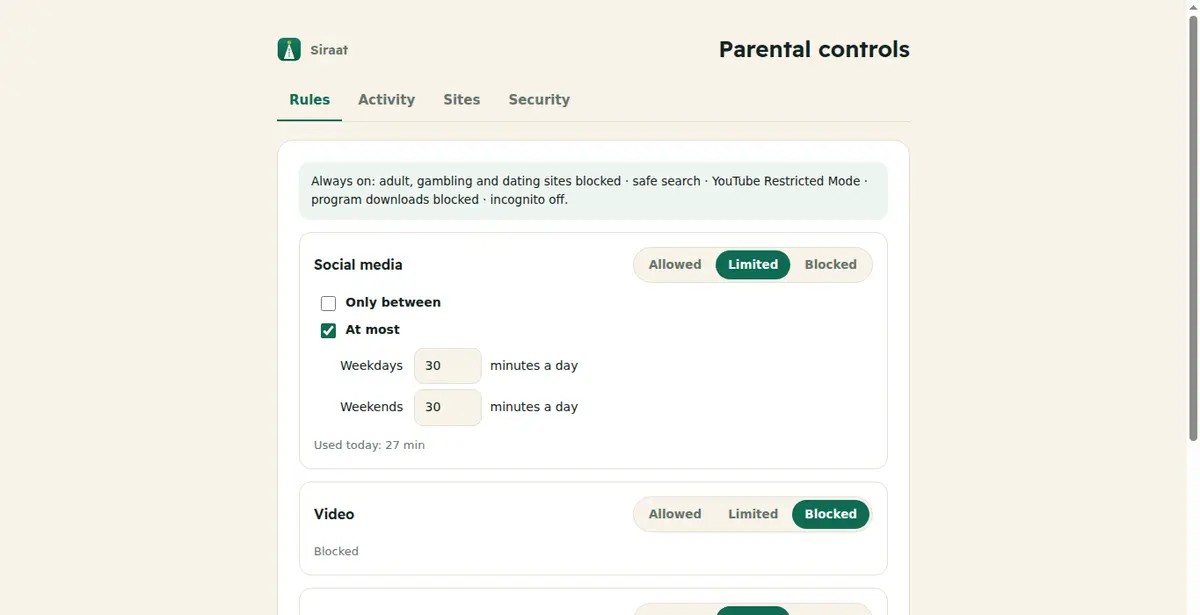
Choose when children can use social media, video, games and chat, and for how long. Safe search, YouTube Restricted Mode and no program downloads. Lock it all with Windows so it can't be undone.
Private by design
No account, no sync server, no telemetry, no analytics. Your history, passwords and settings stay on your computer. Searches go to DuckDuckGo by default, not Google.
Always up to date
Security fixes and new features install themselves in the background. Every update is digitally signed and checked before it runs. Restart when it suits you.
A new tab that follows your day
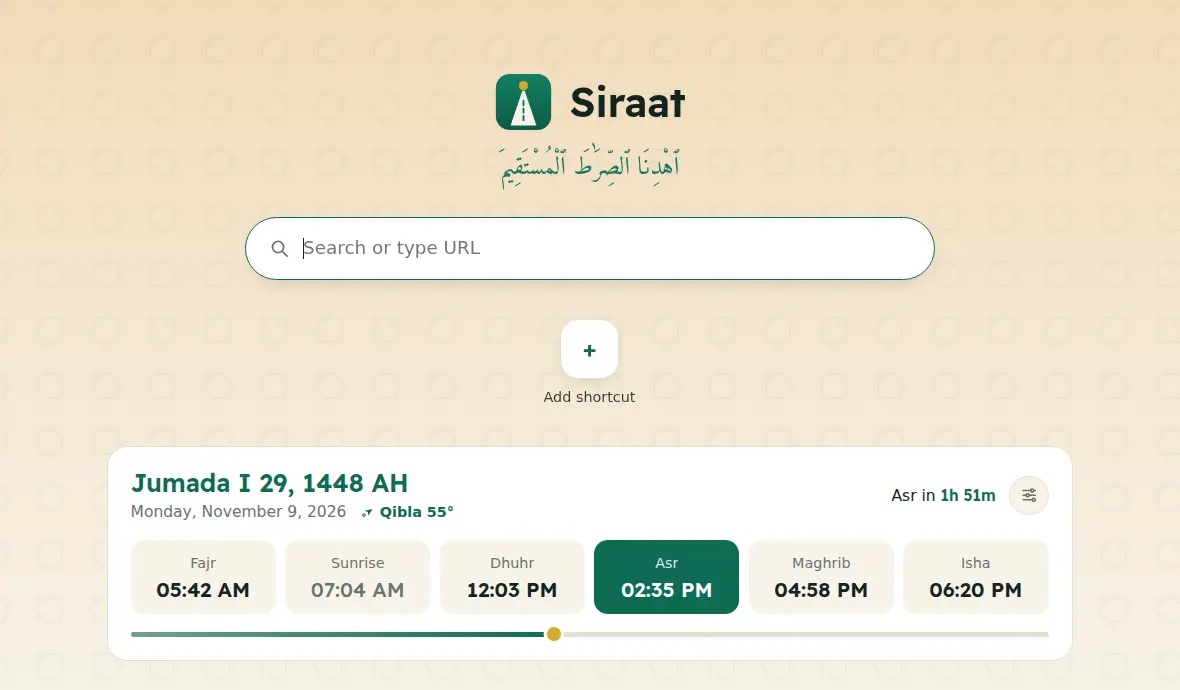
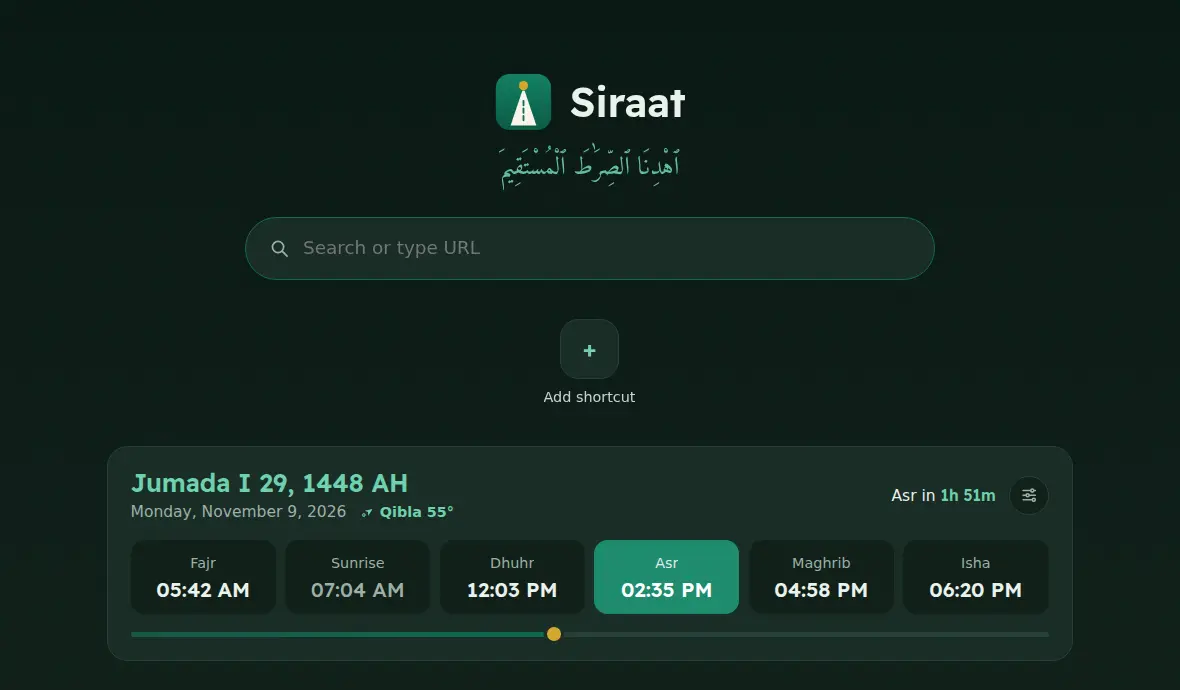
Calm at Fajr. Warm at Maghrib. Dark after Isha.
The new tab page changes colour with the prayer day, and a thin line shows how far you are from the next prayer.
DayBefore MaghribAfter Isha
Parental controls
Screen time rules your children can't switch off.
The first time Siraat opens, it asks who uses the computer. Choose "Children too", set a PIN, and pick the rules. That's it.
Schedules and daily limits for social media, video, games and chat, with a 5-minute warning before time is up.
Safe search on Google, DuckDuckGo and Bing, and YouTube Restricted Mode.
No program downloads and no sites for installing other browsers.
Lock with Windows: one administrator approval turns off incognito, and blocks Microsoft Edge, Chrome and Firefox so they can't be used to get around Siraat.
Yes. Siraat is free to download and use, with no ads and no paid tier.
Will my websites work?
Yes. Siraat uses the same web engine as today's most popular browsers, so websites look and work just as you expect, without Google's tracking.
Which languages does it support?
The browser works in your Windows language. Siraat's own pages (new tab, parental controls, block page) are in English, العربية, اردو, فارسی, Türkçe, Bahasa Indonesia, Français and हिन्दी.
Can my child turn off the filter?
No. Inappropriate websites are blocked for everyone, and that can't be switched off. Parental controls are protected by your PIN, and once you lock them with Windows they can't be removed without your PIN and an administrator password.
Why does Windows show a warning when I install it?
Windows SmartScreen warns about software from new publishers. Click "More info", then "Run anyway". We're adding a code-signing certificate so this warning goes away.
Is there a version for Mac, iPhone or Android?
Not yet. Siraat is available for Windows first; macOS is next.
Browse the straight path.
Free for Windows 10 and 11. Takes about a minute to install.
 Siraat